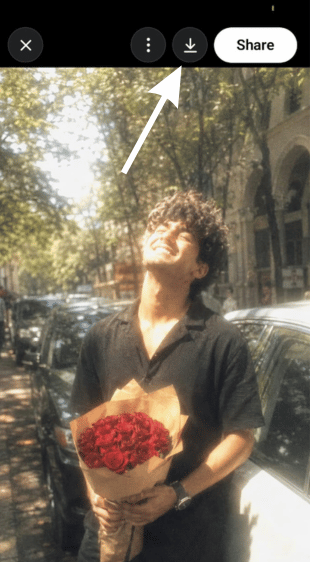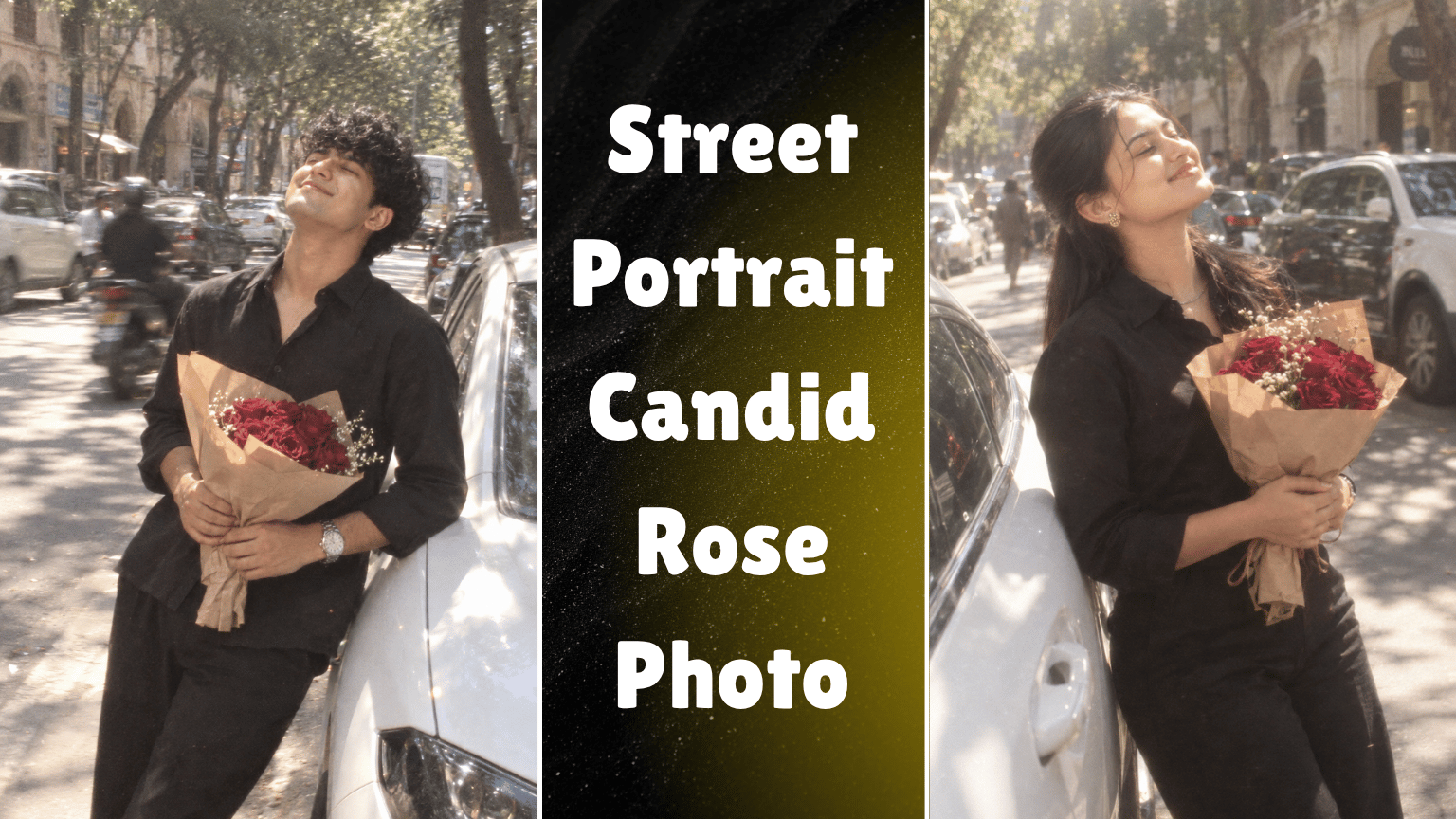
So basically, this street portrait AI prompt is built around a guy standing beside a white car with a bouquet of deep red roses, caught in a genuinely carefree moment under strong midday sunlight. The slightly backward-leaning pose, closed eyes, big smile, and head tilted toward the sun give the photo a spontaneous feeling instead of a carefully posed portrait.
The prompt also deliberately asks for imperfect photography details motion blur, soft focus, film grain, faded colors, hazy highlights, and an older digital-camera texture. That combination makes the final image feel more like an accidental street snapshot than a polished studio photograph.
The vertical 9:16 framing makes it especially useful for Instagram Reels, Stories, and other mobile-first content. The white car, tree-lined street, parked vehicles, and old building arches also give the subject a believable urban setting without taking attention away from the roses and expression.
How to Create AI Image Using This Prompt
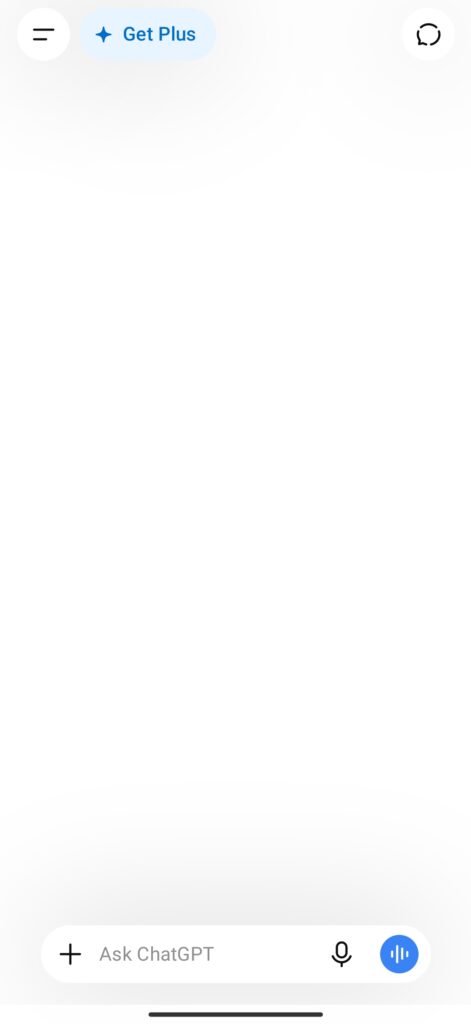
Step 1: First, open the ChatGPT app.
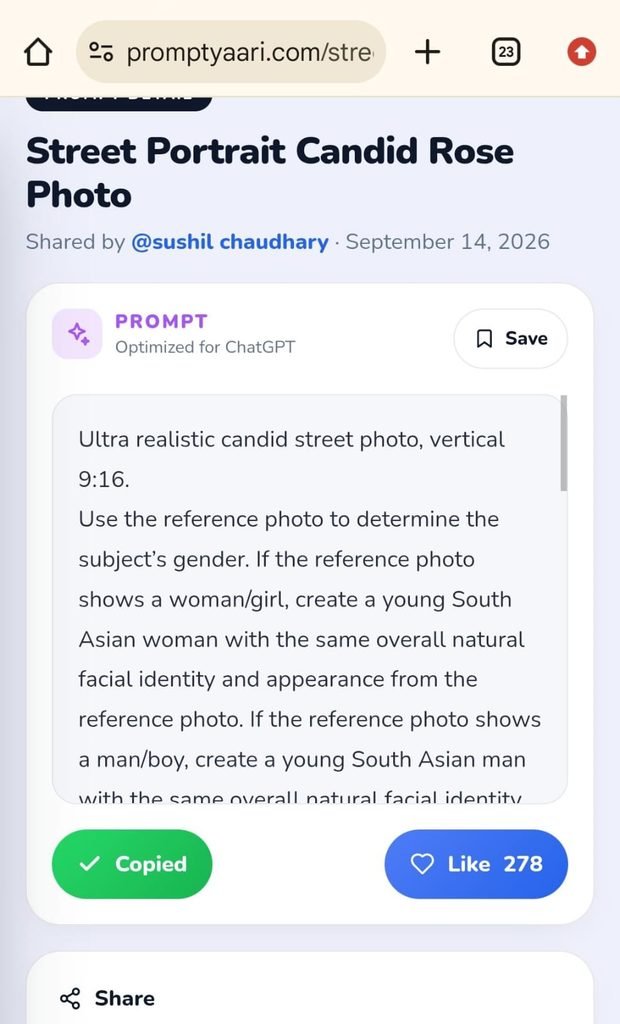
Step 2: Then, copy the prompt from Promptyaari.com.
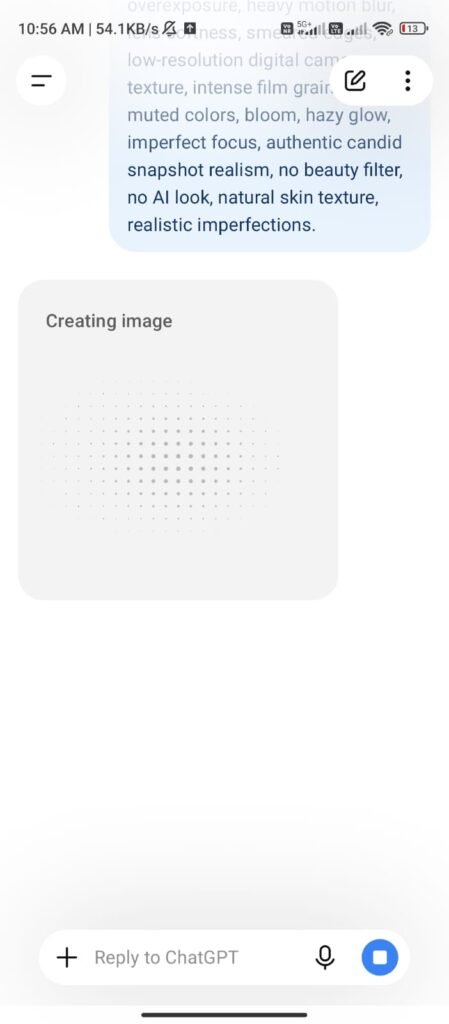
Step 3: Go to ChatGPT, paste the prompt, and upload your image.
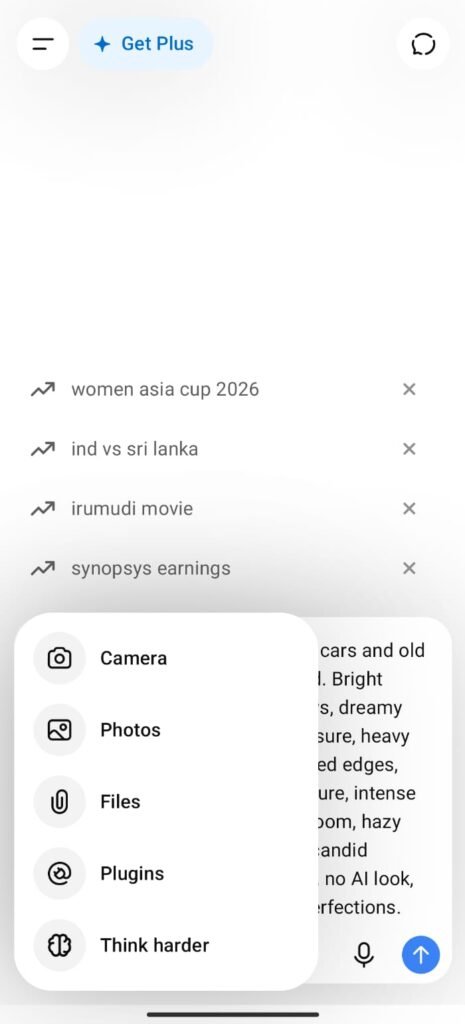
Step 4: Then, click Generate, and your photo will be generated after a few minutes.
Step 5: Click on the image, download, and save it.