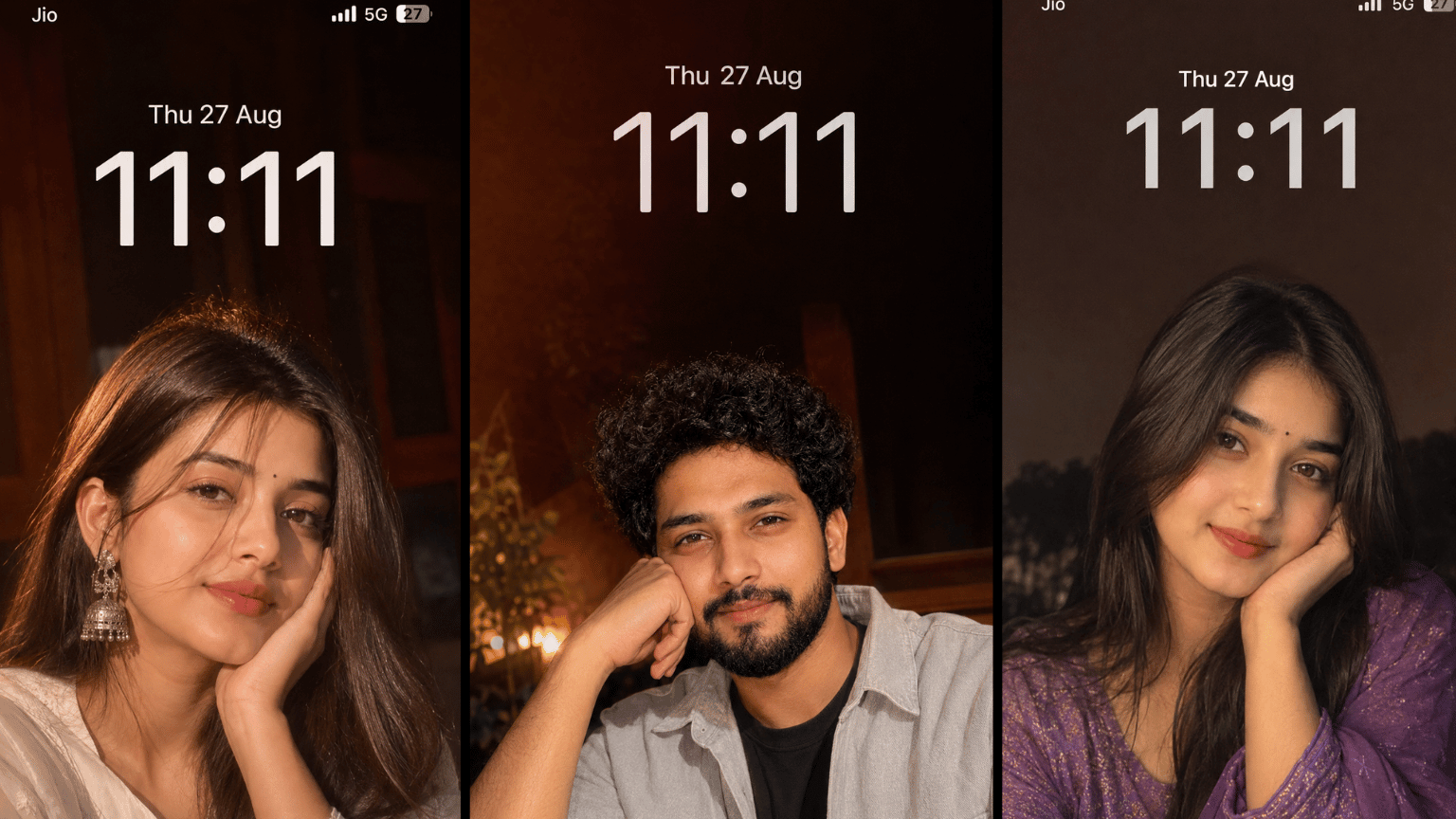
iPhone Selfie Wallpaper Dreamy Late-Night Aesthetic: Hello, my name is Sushil. This prompt is for turning your uploaded photo into a dreamy and aesthetic vertical smartphone wallpaper that you can easily create like an iPhone Selfie-type wallpaper.
You can see your own face in the iPhone Selfie Wallpaper, or you can also set it for Android, as we’ve created an image that can be used on both Android and iOS. This prompt can be used with AI image tools like ChatGPT and Gemini.
Want to create a personal and aesthetic wallpaper from a photo of yourself or a loved one? If you prefer a simple, candid, and cinematic look, this prompt may be useful for you.
iPhone Selfie Wallpaper Dreamy Late-Night Aesthetic
The best part about this prompt is that it doesn’t make your photo look like a studio portrait, but rather like a real nighttime iPhone selfie. The emphasis is on maintaining facial identity, and the background is kept simple to create a clean wallpaper.
The scene of the photo appears to be a selfie taken at night with an iPhone in front of them. The person is in the lower part of the frame, their face close to the camera, and their head is slightly tilted. A hand is gently placed on the cheek or chin, creating an intimate and candid feeling. The upper part is empty and clean, with no text, clock, or icons.
The lighting is warm and direct, like the iPhone’s flash, and a soft golden glow appears on the skin. The background is dark reddish-brown, further enhancing the late-night mood.
| Field | Details |
|---|---|
| Prompt Name | iPhone Selfie Wallpaper Dreamy Late-Night Aesthetic |
| Style | Dreamy, candid, late-night iPhone selfie, cinematic |
| Best For | Personal smartphone wallpaper |
| Aspect Ratio | 9:16 Vertical |
| Works On | ChatGPT, Gemini (Image Tools) |
| Input Photo Needed | Yes |
Transform the uploaded photo into a dreamy, aesthetic vertical smartphone wallpaper. Keep the person’s face identical to the uploaded reference image, preserving the exact facial identity, facial structure, face shape, eyes, eyebrows, nose, lips, cheeks, jawline, skin tone, proportions, and all recognizable facial features unchanged. Keep the person’s hairstyle and outfit unchanged. Create a close-up, natural late-night iPhone selfie composition with the person positioned mainly in the lower portion of the frame, leaving clean negative space in the upper portion. The face should be close to the camera, with the head slightly tilted and one hand naturally resting against the cheek or chin, creating an intimate and candid selfie feeling. Use warm direct iPhone camera-flash lighting, a soft golden glow, gentle natural highlights on the skin, subtle dreamy motion blur, soft focus, and a dark reddish-brown late-night background. Make it look like an authentic candid iPhone photo rather than a studio portrait, with realistic skin texture, natural imperfections, photorealistic details, and a nostalgic cinematic aesthetic. Do not add any text, clock, date, status bar, network icons, battery icon, watermark, logo, UI elements, or any other graphics anywhere in the image. Keep the entire wallpaper clean and distraction-free. Use a vertical 9:16 composition, optimized as a premium iPhone wallpaper.
What Makes This Prompt Different?
This prompt differs from others because it explicitly prohibits altering facial features, hairstyles, and outfits. It’s also designed as wallpaper, so negative space and a clean frame are recommended.
The mood of the photo is calm, personal, and slightly nostalgic. Key elements include a close-up of the face, a natural hand pose, warm flashlighting, a soft golden glow, slight motion blur, and a dark reddish-brown background. These elements combine to make the photo feel like a true nighttime memory, without any additional graphics.
Why does the dark reddish-brown late-night look so good?
This prompt uses a dark reddish-brown background for the background, and it’s very visible as a wallpaper. This color, combined with warm nighttime lighting, creates a soft and cozy atmosphere. The face stands out against a very dark background, and the eye automatically gravitates toward it.
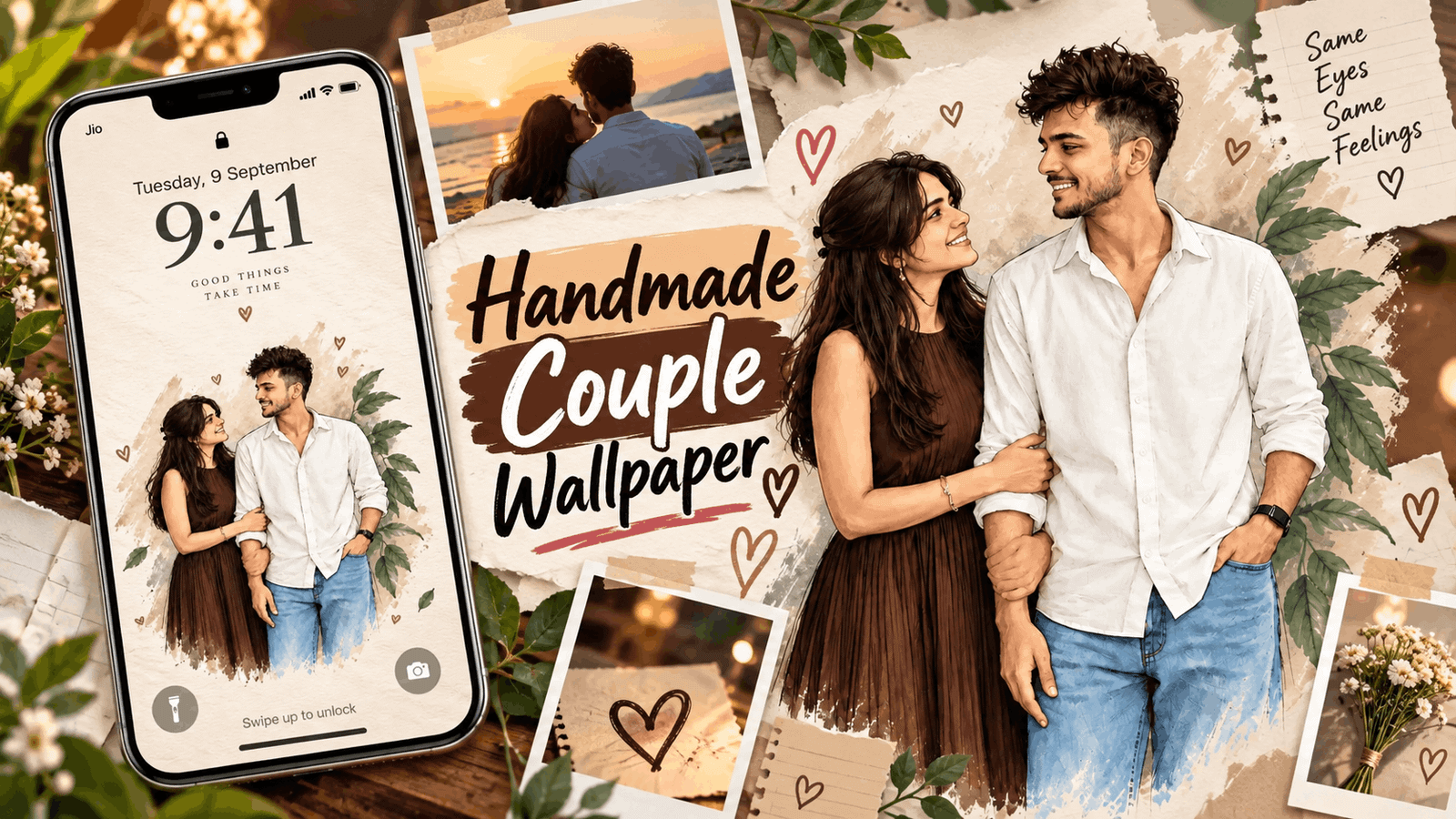
Also Read: Top Handmade Couple Wallpaper Prompts
Warm flash lighting and a soft golden glow make skin look natural. This creates a slight glow on the face, but it appears as if the photo was taken with real flash. Subtle motion blur and soft focus make the photo a bit dreamy, but the face remains clear.
Text, clock, status bar, and icons are prohibited in this prompt. This keeps the wallpaper completely clean, allowing your phone’s clock and icons to be clearly visible. This makes it look like a premium wallpaper.
How to Use This Prompt?
Step 1 Copy the Prompt
Copy the entire prompt from the prompt box above.
Step 2 Open Gemini & ChatGPT
Open ChatGPT and select the image area, or open Gemini.
Step 3 Add Your Photo
Upload a clear photo of yourself, with your face clearly visible.
Step 4 Generate the Image
Paste the copied prompt and generate.
Step 5: Wait for the Result
The tool will take some time to generate the result, so please wait.
Step 6: Download the Image
If you like the result, download the image and set it as your wallpaper.
What Can Go Wrong and How to Fix It?
The most common problem is that sometimes the face may appear slightly changed. The AI tool may not be able to accurately identify the face, especially when lighting is low. In this case, use a clear, well-lit photo and carefully check the result.
Also Read: https://promptyaari.com/extreme-close-up-girls-dreamy-eyes/
Sometimes the hands or fingers may appear in strange shapes, as it is difficult for the AI to match the hand and face. If the hand doesn’t look right, you can add a line like “natural hand position, correct fingers” to the prompt.
The background may sometimes be too dark or too red, and sometimes extra graphics or text may appear, even though the prompt prohibits this. In such cases, run the prompt again or add the fix lines below.
The outfit or hairstyle may also change slightly. If you want the exact same outfit, choose a photo where the outfit is clearly visible and type “keep outfit exactly the same” in the prompt.
FAQs
Does the face remain exactly the same?
The prompt clearly states that the face should not be changed.
Which is better, ChatGPT or Gemini?
Results may vary. Try both for yourself and see which one you like best.
Is it just for one-person photos?
Yes, this prompt is designed for one-person selfies.