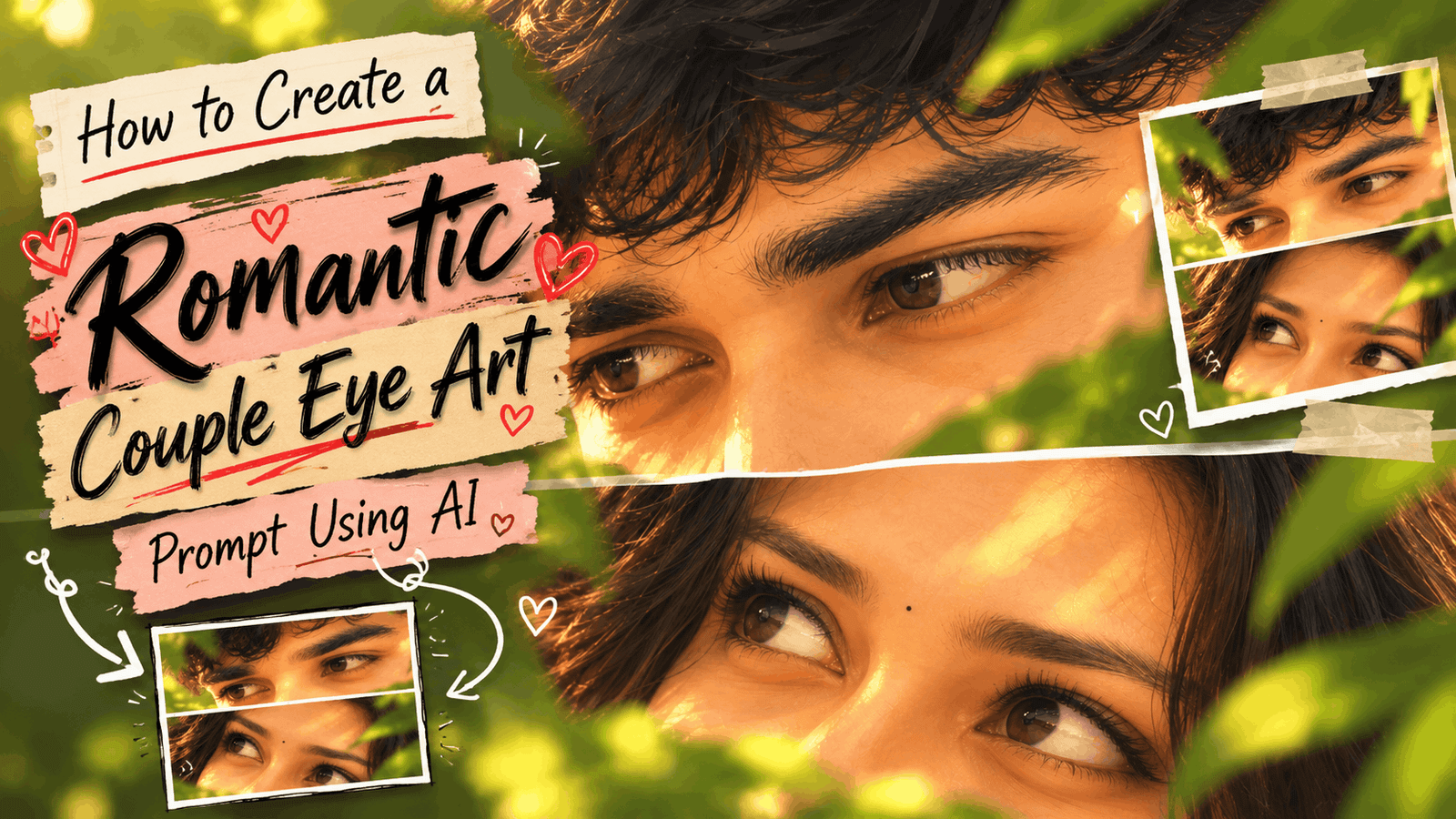
Romantic Couple Eye Art Prompt: Hello, my name is Sushil, and today I’ve come up with an AI prompt for a two-panel romantic illustration. For the most likes and comments on Instagram, I’m sharing it here along with other prompts. You can create them by simply copying the prompt and using ChaTGPT and Gemini.
If you want to turn a photo of you and your partner into a romantic anime illustration, you can use the Romantic Anime Couple Eyes Prompt.
Instead of showing the entire photo, only the area around the eyes is shown. The boy’s eyes are in the upper panel, and the girl’s eyes are in the lower panel. A thin white line between the two divides the photo into two equal parts. The highlight of this design is its soft, hand-painted anime look. It uses warm skin tones, dark hair, soft golden sunlight, and faint green leaves in the background. This can help create a calm and romantic mood in the artwork.
How does the Romantic Anime Couple Eyes Prompt work?
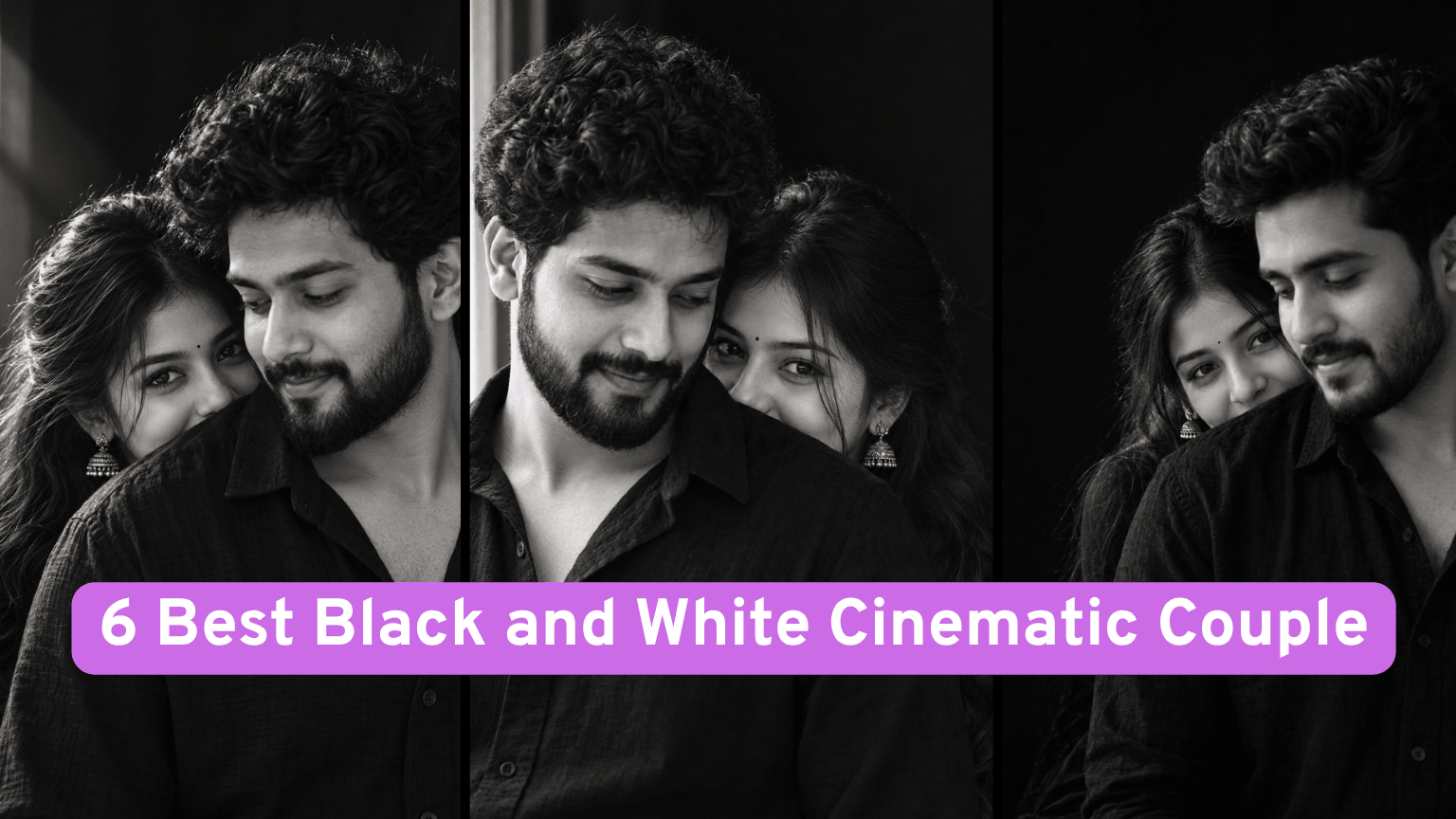
This prompt involves creating a square illustration depicting two people’s eyes in separate horizontal panels. The top panel will be the boy’s eyes, and the bottom panel will be the girl’s eyes. Both panels are sized equally, with a straight white divider separating them. Also Read: 6 Best Black and White Cinematic Couple Photo Prompts for ChatGPT & Gemini (2026)
The focus is on the eyes, rather than the facial expression or clothing. The boy’s gaze is slightly downward, while the girl’s gaze is slightly upward. This creates a quietly romantic connection between the two. The background, with blurred green leaves and golden sunlight, creates a nostalgic and dreamy mood throughout the image.
Romantic Anime Couple Eyes Details
| Detail | Information |
|---|---|
| Prompt Name | Romantic Anime Couple Eyes Prompt |
| Category | AI Photo Editing |
| Style | Soft hand-painted 2D anime |
| Mood | Dreamy and romantic |
| Best For | Couple eye illustrations |
| Location or Background | Blurred green leaves |
| Outfit or Subject Details | Eyes, eyebrows, hair and forehead |
| Lighting | Soft golden light |
| Aspect Ratio | 1:1 square |
| Difficulty Level | Moderate; two references are needed |
| Best Fix | Reinforce 2D anime style and panel layou |
This prompt works with two images, with the first image providing only the identifying details: eye shape, iris color, eyebrows, and eyelashes. The second image controls the overall style, composition, lighting, and crop. The final result should not resemble the real photo at all.
Prompt 1: Short Anime Couple Eye Close-Up Prompt
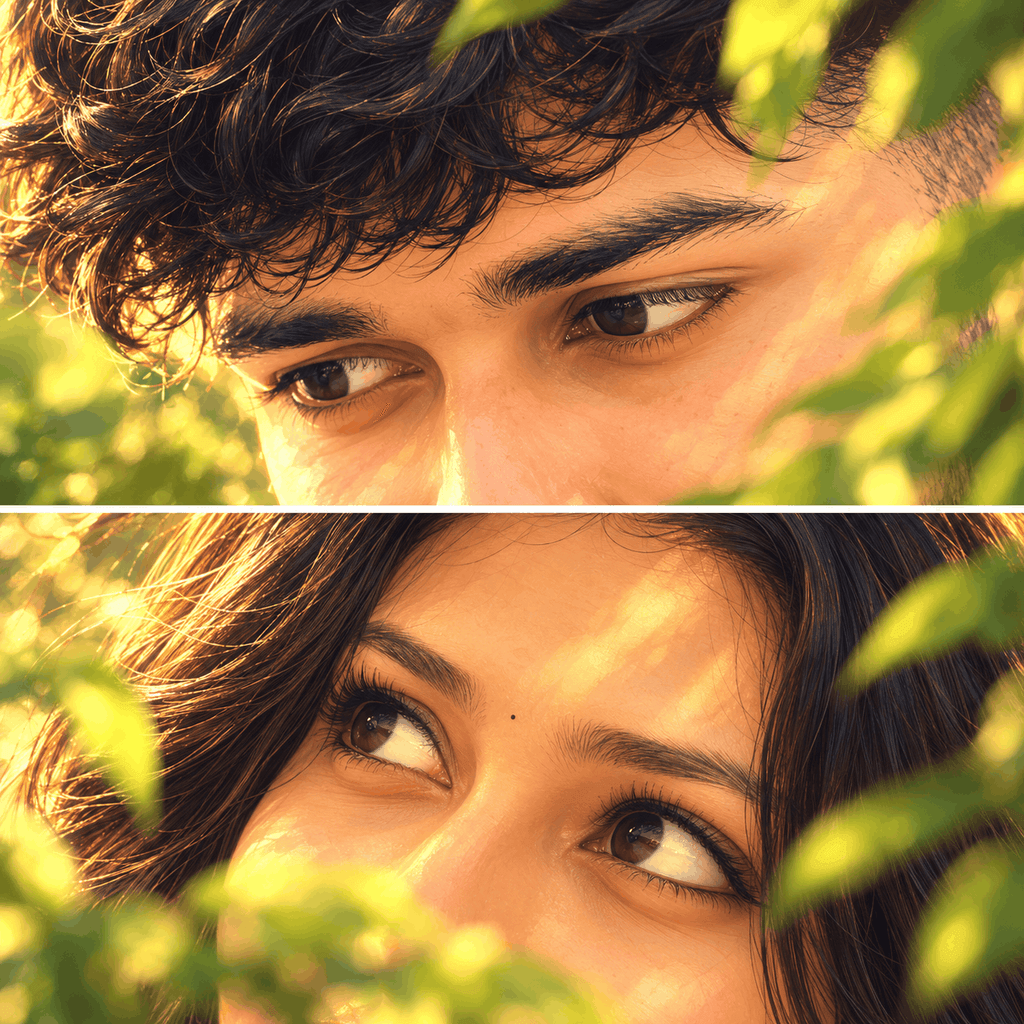
Use Image 1 only as the identity reference for the boy and girl, and use Image 2 as the strict final style and composition reference.

Create a 1:1 square romantic anime-style illustration that matches Image 2 as closely as possible. Keep the exact two-panel horizontal split layout, thin straight white divider in the center, extreme close-up framing of the eyes only, soft warm skin tones, dark flowing hair, blurred green leaves, and dreamy golden light.

Top panel: show only the boy’s eye area, eyebrows, a little forehead, hair, and a small part of the nose bridge, looking slightly downward.
Bottom panel: show only the girl’s eye area, eyebrows, eyelashes, forehead, hair, and a small part of the nose bridge, looking slightly upward.

Strictly preserve the real identity from Image 1: same eye shape, iris color, eyebrow shape, eyelashes, and natural facial features. But render everything fully in the soft hand-painted anime illustration style of Image 2.

Important: final image must look like Image 2, not like a realistic photo. Image 1 is only for character identity, while Image 2 controls the final artwork style, composition, lighting, colors, and crop.

Negative: photorealistic, realistic skin texture, full face, mouth, smile, ears, hands, clothes, diagonal divider, tilted composition, different layout, 3D, semi-realistic photo look, extra elements, text, watermark.
Prompt 2: Detailed Anime Couple Eye Close-Up Prompt
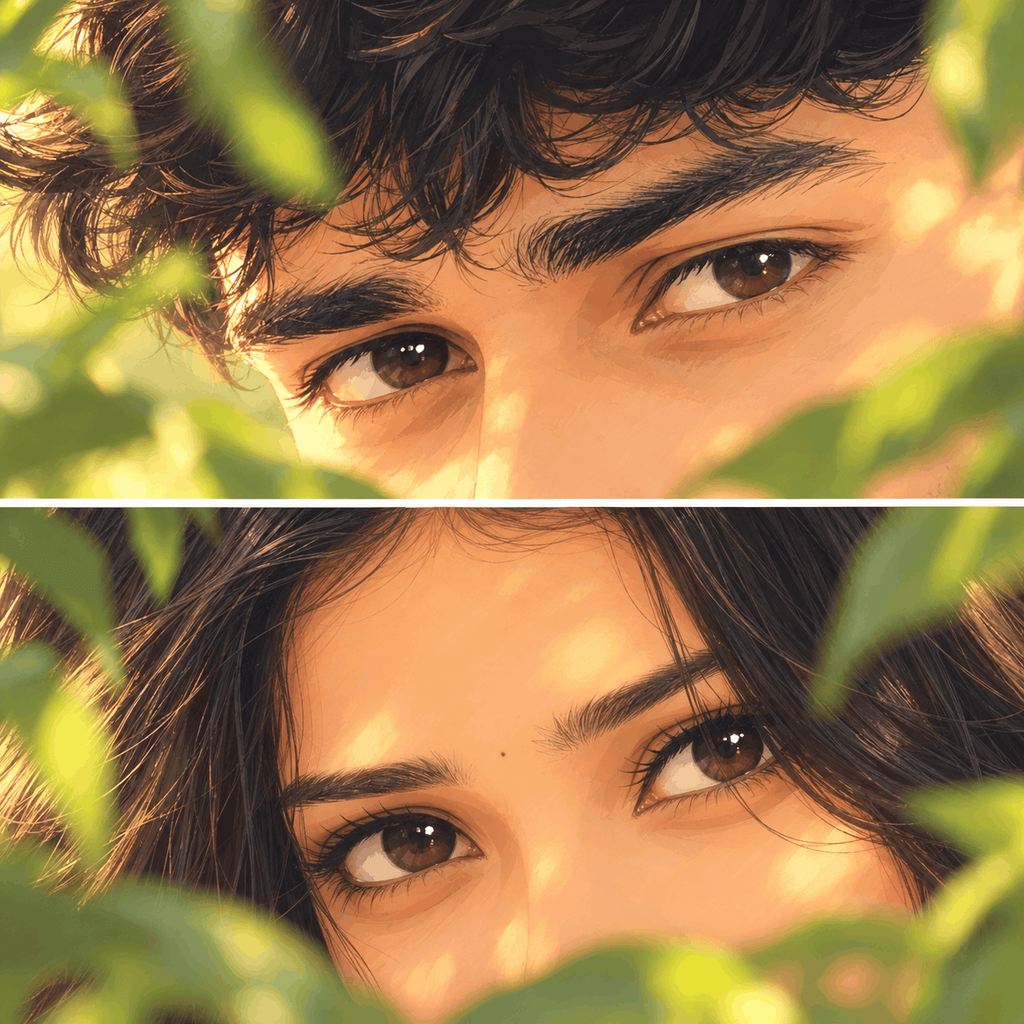
Use the real couple image only for identity reference.
Use the anime sample image as the absolute master reference for the final result.

Create a 1:1 square SOFT HAND-PAINTED ANIME ILLUSTRATION that matches the anime sample as closely as possible in style, crop, composition, and mood.

IMPORTANT:
The final result must look like the anime sample image, NOT like a realistic photo, NOT like semi-realistic digital art.

STRICT LAYOUT:
- square 1:1 canvas
- two equal horizontal panels
- one thin straight white divider exactly in the center
- extreme close-up crop focused only on the eye region
- keep the same framing and crop style as the anime sample

TOP PANEL:
Show only the boy’s eyes, eyebrows, part of the forehead, hair, and a very small part of the nose bridge.
He should be looking slightly downward.
Use soft dark hair and blurred green leaves in the foreground.
Crop tightly exactly like the anime sample.

BOTTOM PANEL:
Show only the girl’s eyes, eyebrows, eyelashes, part of the forehead, hair, and a very small part of the nose bridge.
She should be looking slightly upward.
Use blurred green leaves in the foreground.
Crop tightly exactly like the anime sample.

IDENTITY PRESERVATION:
Take only the identity from the real couple image:
- same eye shape
- same iris color
- same eyebrows
- same eyelids
- same eyelashes
- same natural eye direction

But convert these features completely into the soft illustrated anime style of the anime sample.

STYLE REQUIREMENTS:
- clearly illustrated 2D anime artwork
- soft hand-painted shading
- warm peach skin tones
- golden dreamy sunlight
- soft painterly textures
- simplified illustrated skin
- elegant anime-style eyes
- delicate lashes
- stylized hair strands
- gentle foliage blur
- nostalgic romantic mood

STRICTLY AVOID:
- photorealism
- semi-realism
- realistic skin texture
- pores
- camera-photo look
- glossy realistic rendering
- detailed nose structure
- full face
- mouth
- lips
- smile
- ears
- shoulders
- clothing
- hands
- extra background details
- different crop
- different panel sizes
- diagonal divider
- 3D render
- hyperreal portrait style

PRIORITY ORDER:
1. Anime sample image controls final style, crop, composition, lighting, and finish.
2. Real couple image controls identity only.
3. Final output must look much closer to the anime sample than to the real photo.
In this prompt, you need two reference images. The first image is your real-life couple photo, which will help the AI identify the boy and girl. The second image is an anime sample, which will determine the final style, crop, lighting, and composition.
In a real-life couple photo, we try to keep both faces similar, especially the eyes, eyebrows, and eyelashes. If the photo is too dark, blurry, or one person’s face is from the side, the AI may have difficulty identifying the identity.
Also Read: Couple Portrait Over Shoulder Eye Detail
Choose an anime sample image that has the same two-panel eye close-up layout. If the layout is different, the final result may be different. Therefore, choose the sample image carefully, not just for style, but also for composition.
How to Fix Divider and Layout Problems?
Sometimes the AI creates two panels, but makes the divider diagonal. Sometimes the top panel is larger and the bottom one is smaller. This ruins the overall composition.
Add these lines:
Keep two equal horizontal panels with the same height.
Use one thin, straight white divider exactly in the center.
Do not tilt the divider or change the panel layout.
If the eyes appear too small, add this line:
Crop more tightly on the eye area, keeping only the eyes, eyebrows, forehead, hair, and a small part of the nose bridge.
This way, you can repeatedly explain to the AI that you only want the eye region, not the entire face.
FAQs
Will this prompt turn my real photo into an anime?
This prompt creates an anime illustration by converting your real couple photo into a reference image.
Can this prompt be used without an anime reference image?
The prompt uses an anime sample as the primary reference for the final style and composition. Without it, you can attempt to create an anime illustration using text instructions, but maintaining the exact crop and composition as referenced may be difficult.
Will the AI retain the exact eye color and shape?
This is not certain. The prompt provides instructions to preserve the eye shape, iris color, and eyebrows, but the AI may alter some details. So compare the generated image to the original photo to check.
What should the square image size be?
Both prompts ask for a 1:1 square canvas. The width and height are equal. The actual pixel dimensions will depend on the output of your chosen tool.