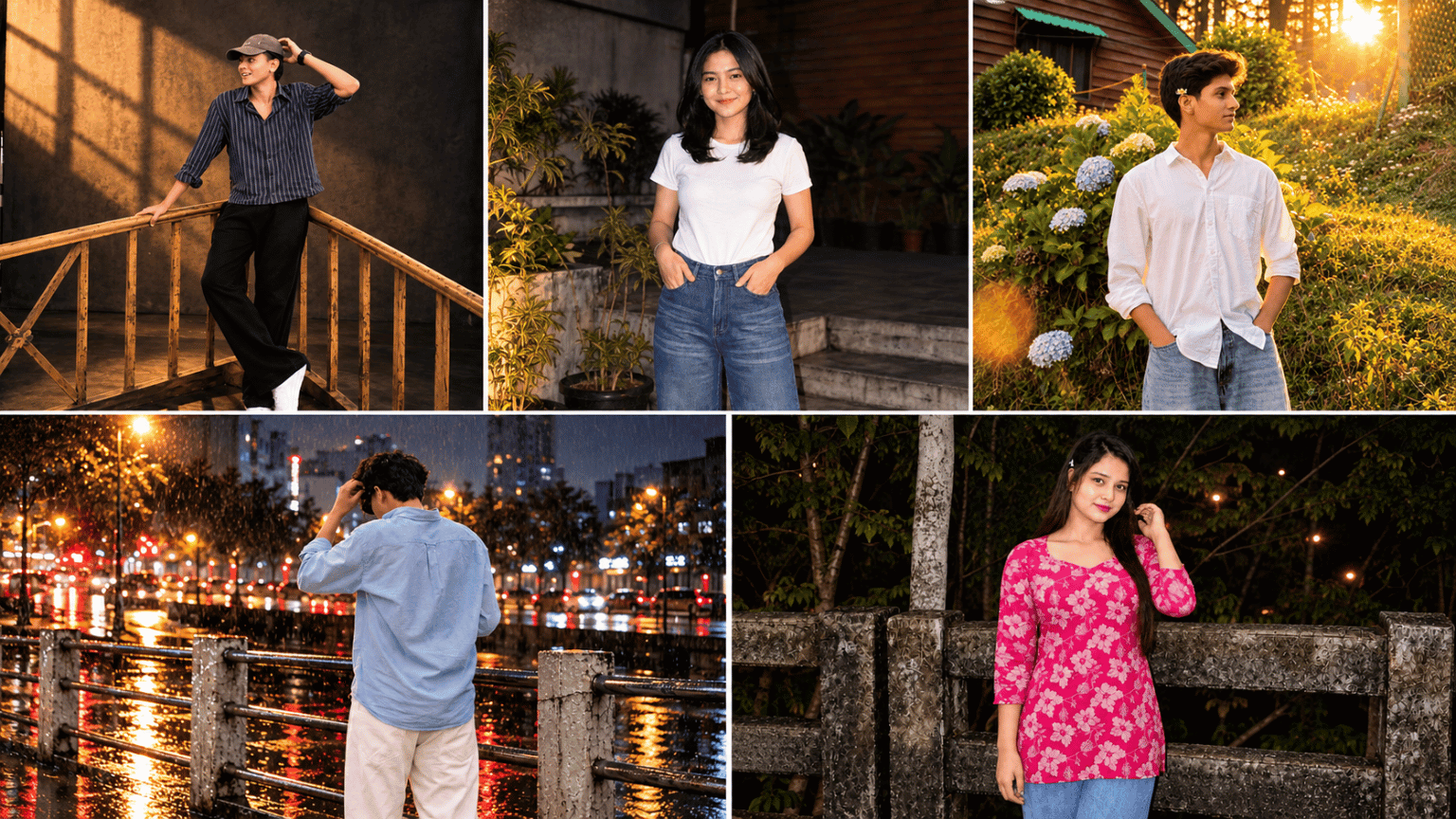
5 Best Nighttime, Cinematic AI Photo Prompts: Hello, my name is Sushil, and today we’re here with a new prompt to show you how to turn a daytime photo into a stunning nighttime one. Nowadays, we’re seeing a wide variety of photo style trends, with everyone wanting to create and display things in an aesthetically pleasing way.
Some prefer nighttime flash photography, while others want to create a photo of a rainy neon street. Some want the warmth of golden hour, while others want to create the nostalgic look of an old disposable camera. Here in this article, we’re here with 5 Best Nighttime & Cinematic prompts to turn your photo into a stunning nightlife one.
Nighttime Chic Flash Photography Prompt
This prompt is best for those who like to edit photos from a night party or late-night outing to give them a stylish, editorial look. It uses direct on-camera flash, creating crisp highlights on faces and a deep nighttime background. It features subtle film grain and slightly cool dark tones, giving the photo a premium digital camera feel.
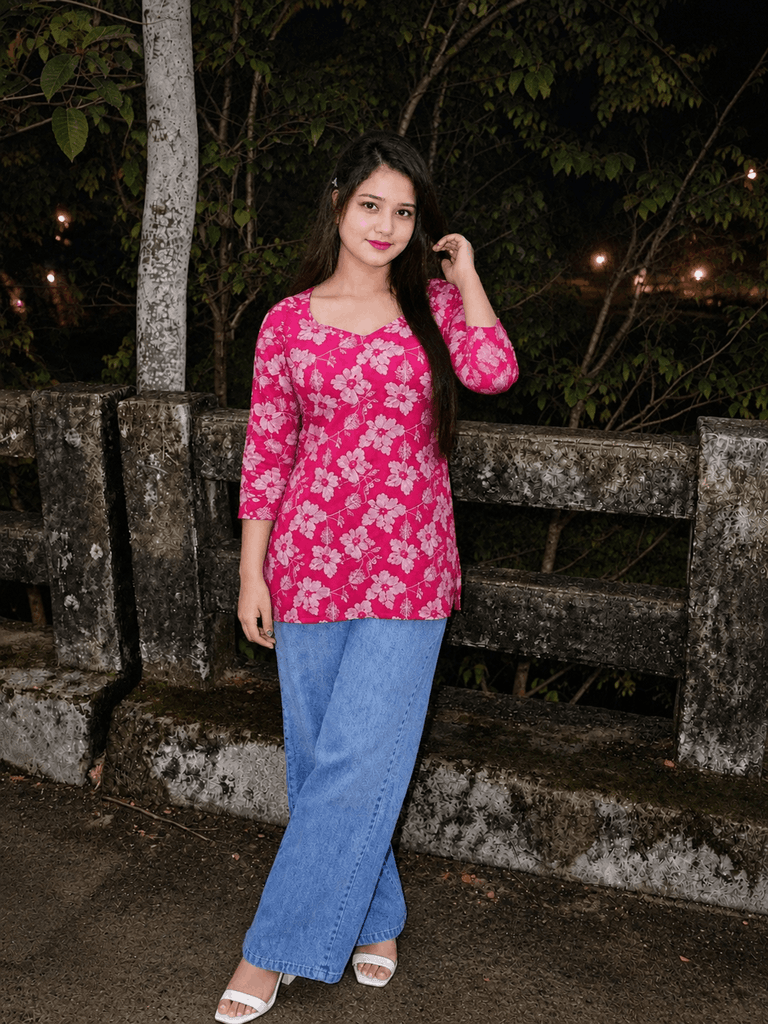
Transform this photo into stylish nighttime chic flash photography. Keep the person’s identity, facial features, pose, outfit, and overall composition unchanged. Add direct on-camera flash, deep nighttime ambience, crisp highlights, realistic shadows, subtle film grain, slightly cool dark tones, natural skin texture, and a sophisticated late-night editorial aesthetic. Make it look like an authentic candid photo taken with a premium digital camera at night — realistic, sharp, fashionable, and not overly edited.
You can use this prompt on both Gemini and ChatGPT, as these two AIs currently produce better results for this prompt. With the Nighttime Chic Flash Photography Prompt, you can transform daylight into a stunning nighttime environment.
Rainy Neon Street Portrait Prompt
The combination of a rainy night and neon lights always results in a cinematic photo. This prompt transforms your photo into a street portrait featuring wet surfaces, soft rain droplets, and colorful neon reflections.
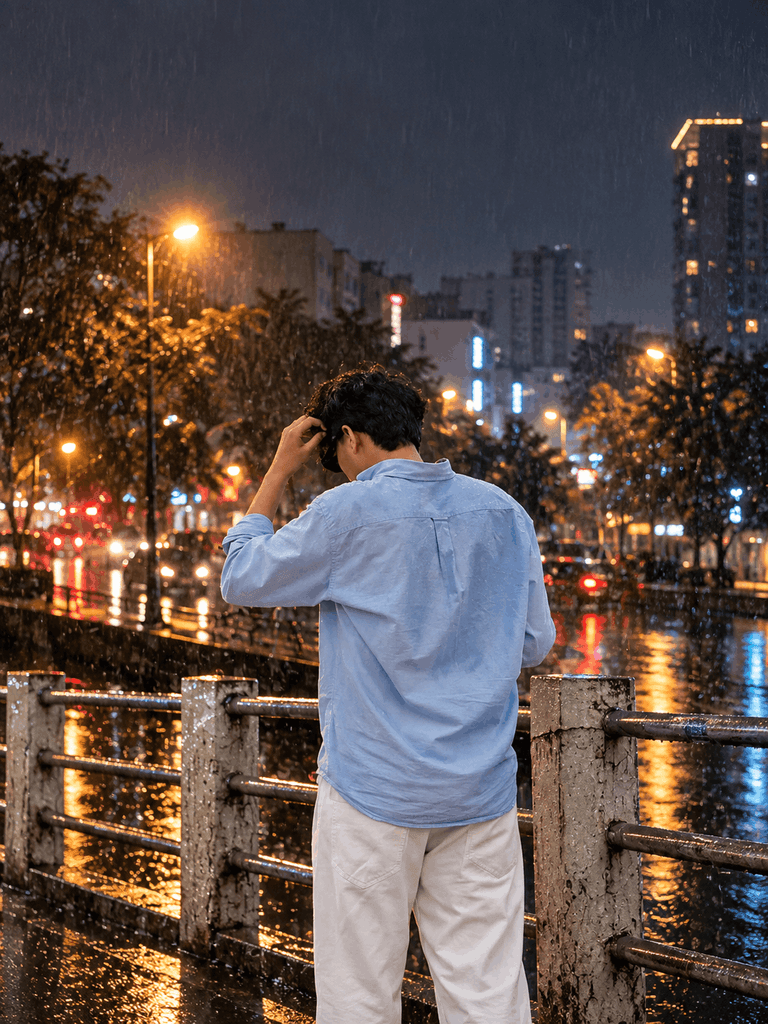
Transform this photo into a cinematic rainy-night street portrait. Keep the person’s identity, facial features, pose, outfit, and overall composition unchanged. Add realistic wet surfaces, soft rain droplets, colorful neon reflections, subtle street lights, atmospheric mist, gentle rim lighting, deep shadows, and a moody urban-night atmosphere. Preserve natural skin texture and realistic details. Make it look like an authentic high-end street photograph captured after rain — cinematic but photorealistic, not overly edited.
The prompt features atmospheric mist and gentle rim lighting, giving the photo a moody urban-night feel. This is especially suitable for those looking to create a high-end street photography look.
Golden Hour Film Photography Prompt
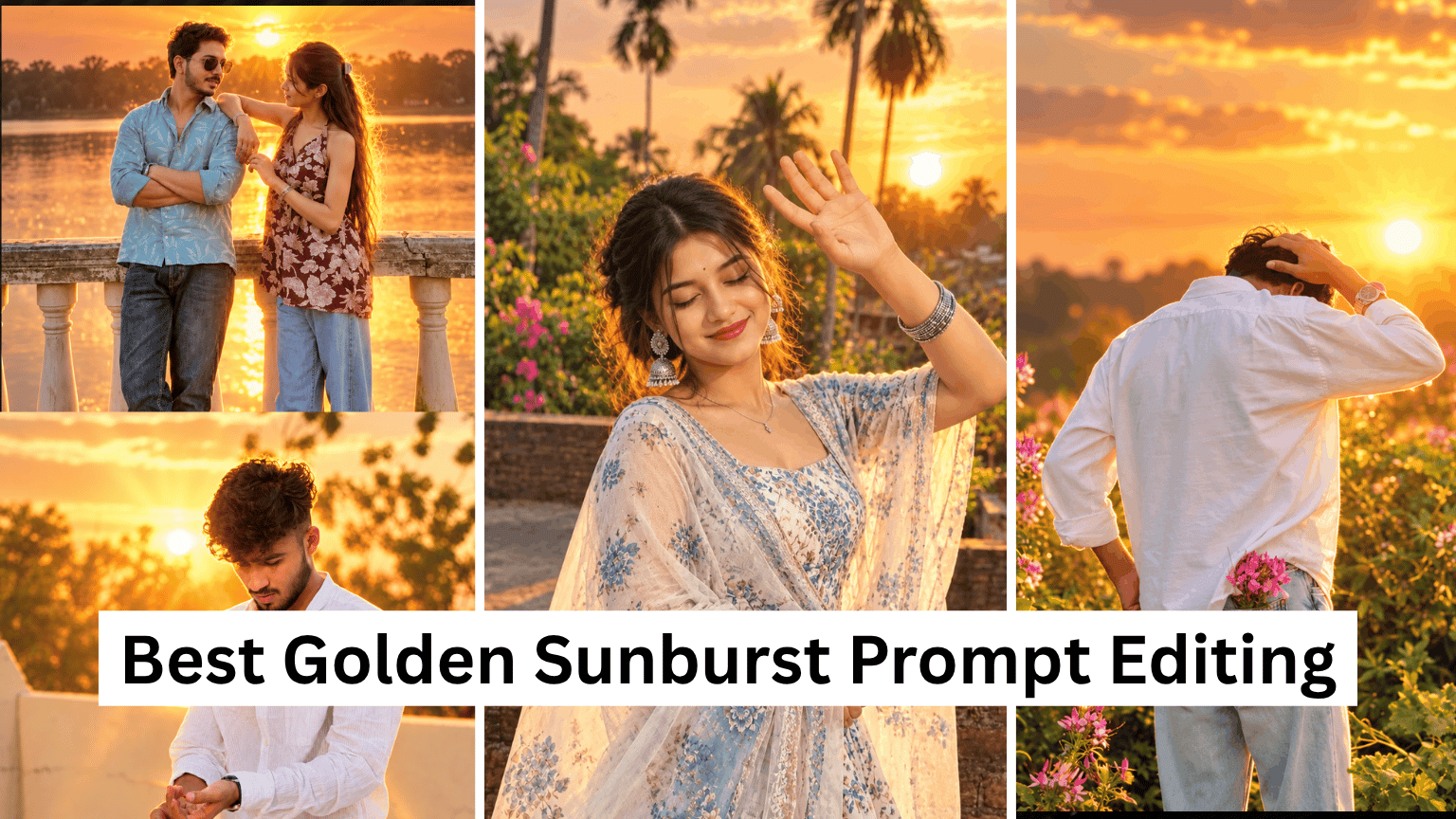
Golden hour, or sunset, is considered the most beautiful time to photograph. This prompt transforms your photo into a warm golden-hour film photograph. It features soft low-angle sunlight, warm natural highlights, and gentle shadows, making the photo even more beautiful.
Read also: 3 Best Hand Crafted Storybook AI Photo Prompts For Gemini And ChatGPT
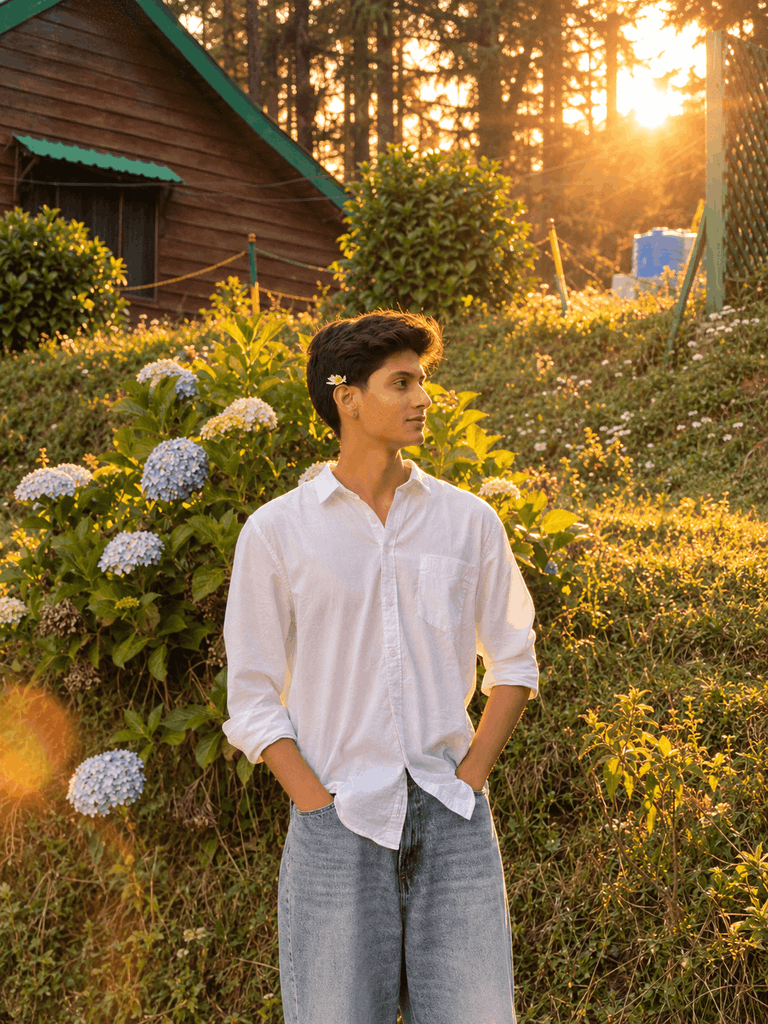
Transform this photo into a warm golden-hour film photograph. Keep the person’s identity, facial features, pose, outfit, and overall composition unchanged. Add soft low-angle sunlight, warm natural highlights, gentle shadows, subtle lens flare, realistic skin tones, soft background glow, and fine analog film grain. Create a nostalgic premium lifestyle-photography look with natural imperfections and authentic colors. Make it feel like a real photograph captured on a vintage film camera during sunset.
There’s a subtle lens flare and fine analog film grain, giving the photo a nostalgic, premium lifestyle photography look. You can get better results by pasting the prompt into the AI tool and generating it.
Disposable Camera Vibe Prompt
Photos taken with disposable cameras in the early 2000s give your photo a distinct vibe. Recently, photos from the 80s and 90s have been trending, and this Disposable Camera Vibe Prompt was inspired by that.
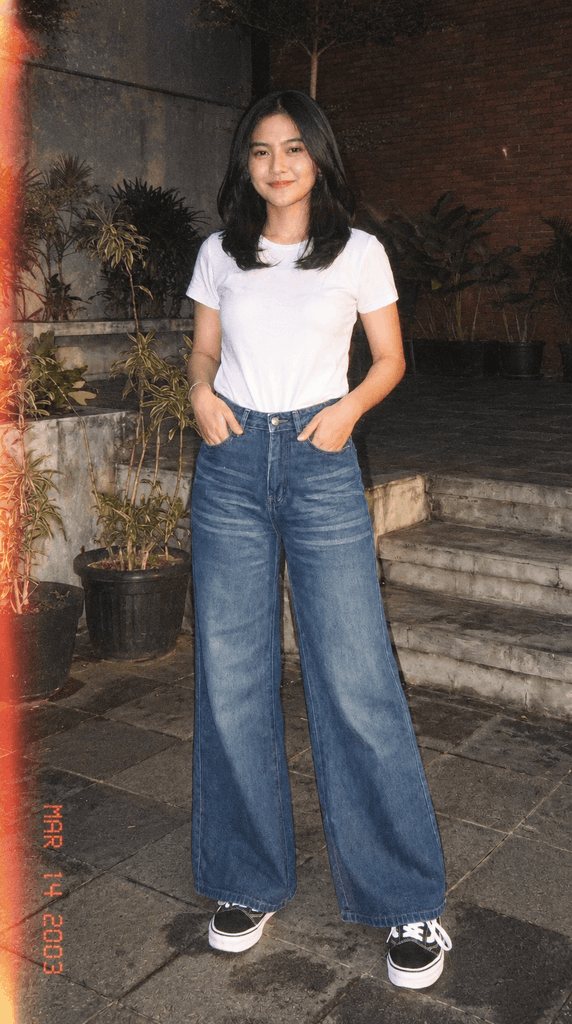
Transform this photo into an authentic early-2000s disposable-camera snapshot. Keep the person’s identity, facial features, pose, outfit, and overall composition unchanged. Add direct compact-camera flash, slightly imperfect exposure, subtle motion softness, realistic film grain, mild color shifts, natural shadows, and a casual candid feeling. Preserve the original details and proportions. Make it look like a genuine spontaneous photograph from a disposable film camera, nostalgic and realistic rather than digitally processed.
This prompt gives your photo a similar look. It features direct compact-camera flash, slightly imperfect exposure, subtle motion softness, and realistic film grain. It features mild color shifts and natural shadows, giving the photo a casual and candid feel.
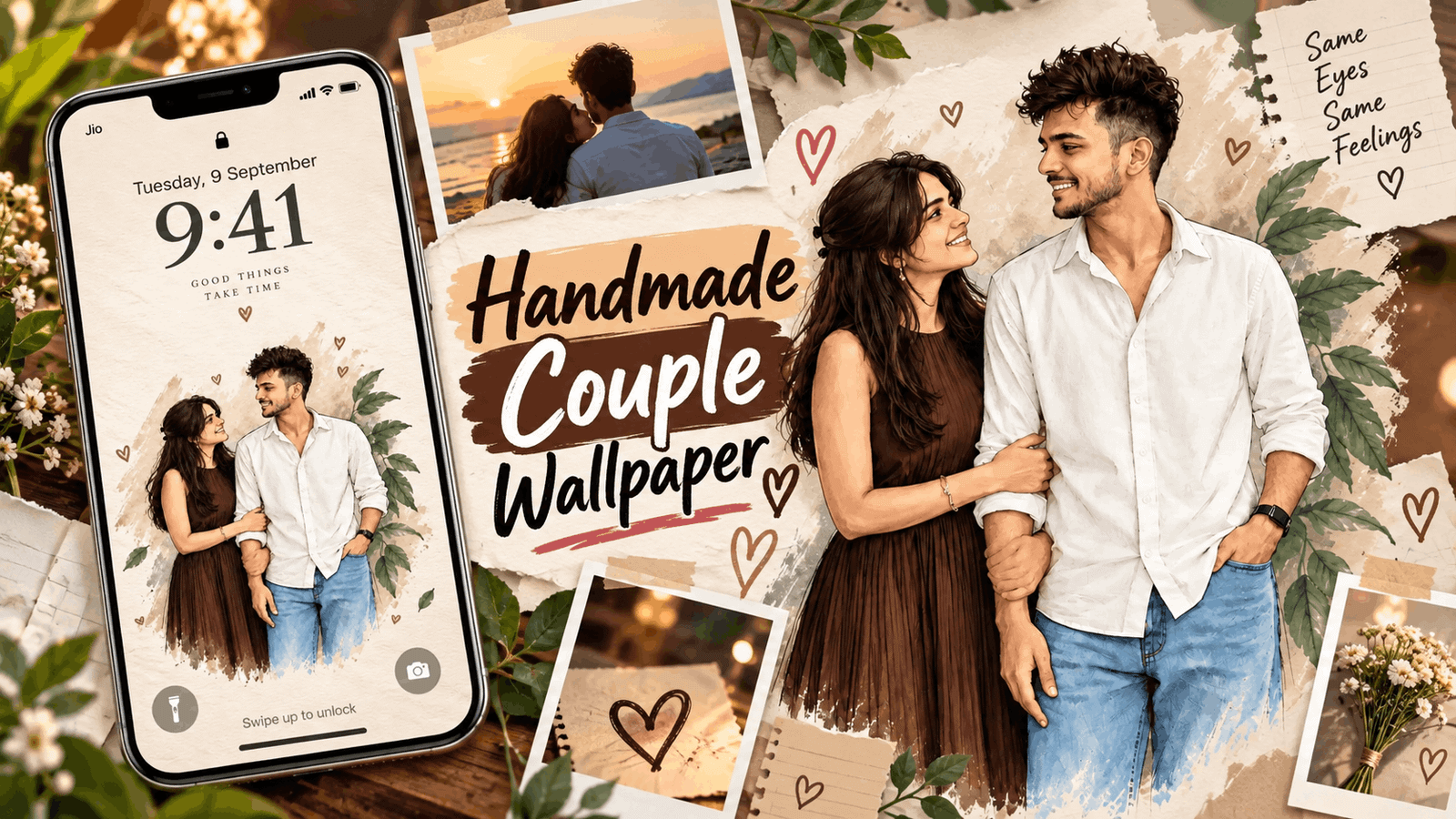
Also Read: Top Handmade Couple Wallpaper Prompts
Moody Studio Editorial Portrait Prompt
Those working for professional fashion magazines can use this prompt. It features controlled directional lighting, soft highlights, deep natural shadows, and realistic skin textures, along with gentle background falloff and premium fashion-magazine photography aesthetics.
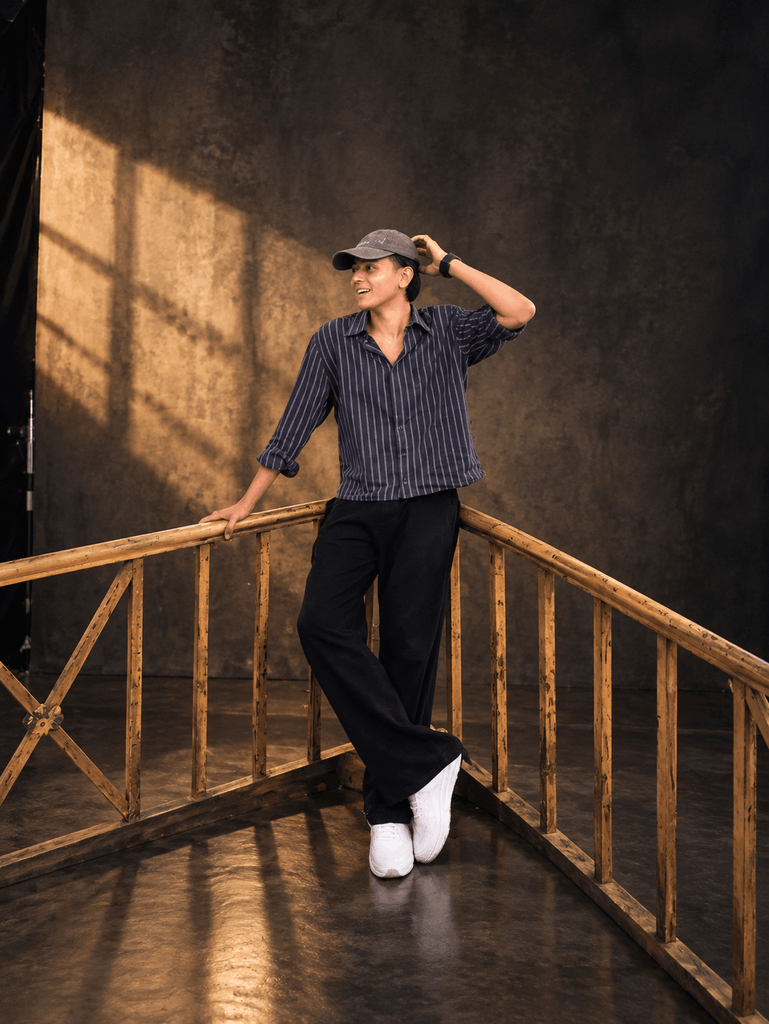
Transform this photo into a sophisticated moody studio editorial portrait. Keep the person’s identity, facial features, pose, outfit, and overall composition unchanged. Create controlled directional lighting with soft highlights, deep natural shadows, subtle contrast, realistic skin texture, gentle background falloff, and premium fashion-magazine photography aesthetics. Keep the colors refined and natural. Make the result look like an authentic professional editorial photograph captured with a high-end camera, realistic and elegant without excessive retouching.
Using this prompt gives your photo an elegant and sophisticated look, like a professional editorial photo taken with a high-end camera. It will strive to keep colors refined and natural, and will convert your photo into a Moody Studio Editorial Portrait without excessive retouching.
How to Use Nighttime, Cinematic Prompts
It’s very easy to use. First, you need to visit either Google Gemini or ChatGPT. Then, copy one of the five prompts and add it to your photo to generate the image you want. You’ll see it generate the image you want. Also read: 5 Best Nighttime, Cinematic AI Photo Prompts
When you press the Generate button, the AI will convert your photo to that style in a few seconds. If the result isn’t satisfactory the first time, you can make slight changes to the prompt, like adding “more film grain” or “less neon reflection.”
Some FAQs
Can I use these prompts for free?
Yes, these prompts are completely free. You can copy them and insert them into any AI tool.
Will my face remain the same, or will the AI change it?
Can I use these prompts for free?
Yes, these prompts are completely free. You can copy them and insert them into any AI tool.
Will my face remain the same, or will the AI change it?
If you enter the prompts correctly, your face will remain almost the same.